Have you ever clicked a link, watched the page crawl to life, and left before it even finished loading? You're not alone. Most people won't wait around for a slow website, and neither will Google.
That's where Core Web Vitals come in. They're a set of measurements Google uses to judge how a real visitor experiences your website: how fast it loads, how quickly it responds when clicked, and how stable it feels while scrolling. In 2026, these numbers directly affect both your search rankings and how many visitors actually turn into customers.
Let's break down what Core Web Vitals really mean, why they matter, and what you can do about them.
What Are Core Web Vitals?
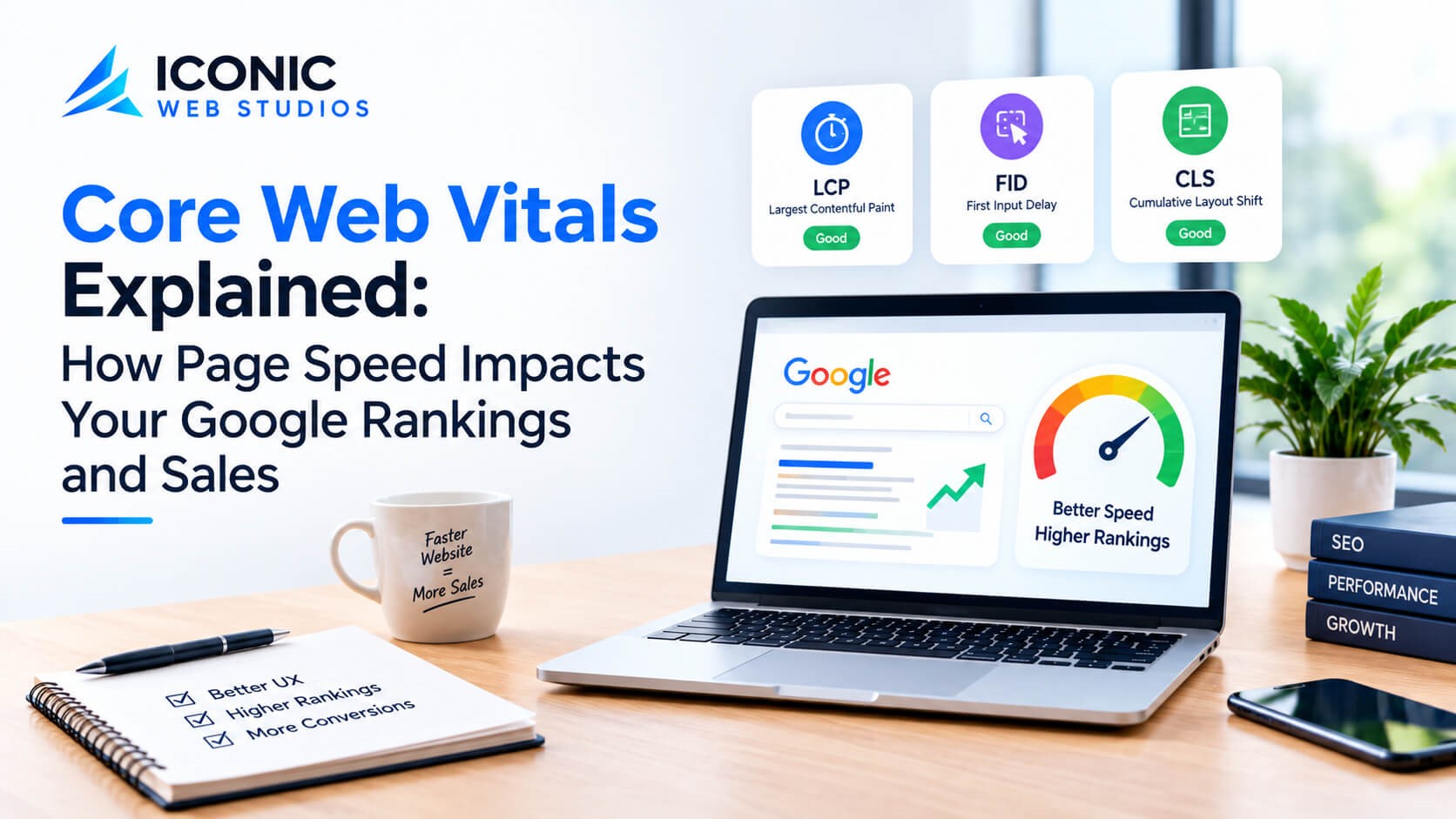
Core Web Vitals are three specific metrics Google tracks to measure user experience:
1. Largest Contentful Paint (LCP) – Loading Speed
LCP measures how long it takes for the biggest visible element on your page, usually a hero image, banner, or main headline, to fully load. A good score is 2.5 seconds or less. Anything above 4 seconds is considered poor.
2. Interaction to Next Paint (INP) – Responsiveness
INP replaced the older "First Input Delay" metric and measures how quickly your website responds when someone clicks, taps, or types anywhere on the page, not just the first interaction, but throughout the entire visit. A good score is 200 milliseconds or less.
3. Cumulative Layout Shift (CLS) – Visual Stability
CLS measures how much your page elements jump around while loading. You've probably experienced this: you go to tap a button, and the page shifts at the last second, so you click the wrong thing instead. A good score is 0.1 or lower.
Google measures all three from real visitor data, not just lab tests, which means your actual audience's experience, on their real devices and real internet connections, is what counts.
Why Should You Actually Care About This?
It's easy to think of Core Web Vitals as just another technical checkbox. But the real-world impact touches two things every business cares about: visibility and revenue.
- It Affects Your Search Rankings: Google has confirmed that page experience, including Core Web Vitals, is part of its ranking signals. It's not the only factor, great content and strong SEO fundamentals still matter most, but when two websites are otherwise similar in quality, the faster, more stable one has an edge.
- It Affects Whether Visitors Stay or Leave: Slow websites lose visitors before they even see your message. If someone lands on your site and it takes several seconds to load, many won't wait. That's a lost opportunity before you've had a chance to make a first impression.
- It Affects Conversions and Sales: This is the part that hits the bottom line directly. A visitor who experiences layout shifting, slow-loading images, or delayed button responses is far less likely to complete a purchase, fill out a form, or book a service. Every second of delay chips away at trust and patience, and trust is what drives conversions.
What Causes Poor Core Web Vitals?
Understanding the common culprits helps you know what to fix:
- Unoptimized images: Large image files that haven't been compressed slow down loading dramatically.
- Too many plugins or scripts: Especially common on WordPress sites with heavy add-ons.
- Render-blocking code: CSS or JavaScript files that load before the visible content, delaying the page.
- No caching or CDN: Visitors far from your server experience slower load times without proper content delivery setup.
- Ads or embeds without reserved space: These cause the page to jump around as they load, hurting CLS.
- Cheap or overloaded hosting: Hosting environments not built to handle real traffic loads.
How to Improve Your Core Web Vitals
You don't need to be a developer to understand the fixes, though you will likely need one to implement them properly.
- Compress and Optimize Images: Use modern image formats and compress files without losing visible quality. This alone can make a noticeable difference in loading speed.
- Reduce Unnecessary Code and Plugins: Every plugin or script adds weight. Removing what you don't need lightens the load and speeds up response times.
- Use a Content Delivery Network (CDN): A CDN stores copies of your website closer to your visitors around the world, so pages load faster no matter where someone is browsing from.
- Reserve Space for Images and Ads: Setting fixed dimensions for images, videos, and embedded content prevents the page from jumping around as it loads.
- Choose Reliable, Fast Hosting: Your hosting environment has a bigger impact than most people realize. A slow server creates a ceiling that no amount of code optimization can fully overcome.
- Test Regularly: Free tools let you check your current scores and pinpoint exactly what's slowing your site down. Testing after every major website change helps you catch issues before they affect visitors.
Quick Performance Audit Checklist
Run down this list before publishing new site updates:
- Are all images compressed and converted to Next-Gen formats (WebP)?
- Have you defined explicit width and height attributes for image tags?
- Are unused plugins and third-party tracking scripts disabled?
- Is server-level caching or a CDN active for global users?
- Does your page load smoothly without shifting content on mobile views?
Frequently Asked Questions
Conclusion
Core Web Vitals aren't just a Google requirement to check off a list. They reflect something businesses have always known instinctively: people want fast, smooth, frustration-free experiences. A website that loads quickly and responds instantly builds trust before a single word of your content is even read.
If your website hasn't been evaluated for performance recently, it's worth a professional look. A website development company that understands both the technical and business side of performance can identify exactly what's slowing you down, and fix it in a way that improves both your rankings and your conversions.